
Flat laps / Troubleshooting
Flat Lap Disc Slipping or Off-Center? Mounting Checks
Identify which layer is moving, check documented centering and prepare a useful manufacturer support request.
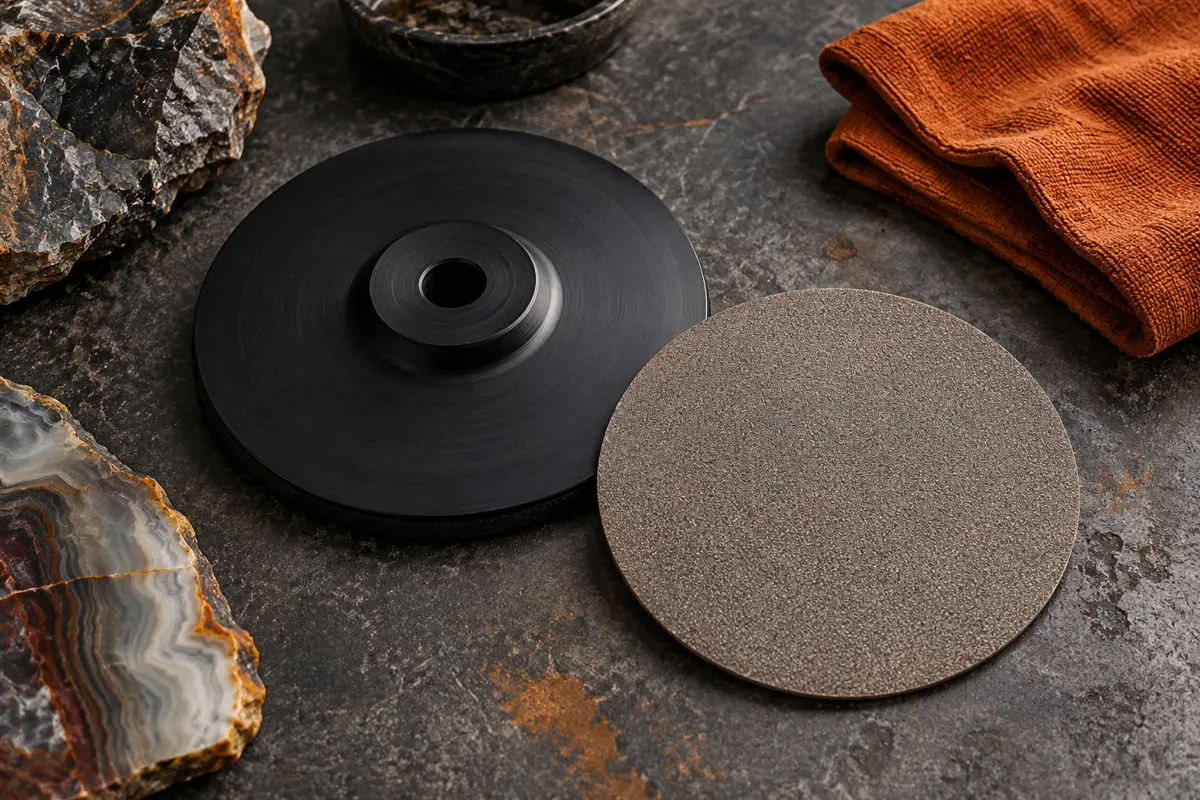
Research-based guide · We have not physically tested these products. How we research
Jump to a section
THE SHORT ANSWER
First identify what is moving: the abrasive layer on its backing, the complete plate on the mount, or the machine assembly. These are different problems. Stop the machine, disconnect power and use the exact manual’s mounting and service guidance; extra pressure or improvised glue is not a general solution.
Use a precise description of “slipping”
An adhesive-backed disc can shift relative to its plate. A plate can be incorrectly secured to its arbor. A miscentered assembly can appear to wobble even when it has not moved during operation. A damaged spindle or rubbing catch tray raises a different service question. Record the visible observation rather than assigning one diagnosis to all four.
Check the equipment only after the working surface has stopped and power is disconnected. Do not try to touch or steady a moving disc, and do not restart repeatedly to see whether it fixes itself. If the mounting hardware, plate or shaft appears damaged, keep the machine out of use until the manufacturer identifies the appropriate action.
| Observation | Record | Appropriate next reference |
|---|---|---|
| Disc shifted on plate | Which layer, adhesive type and when noticed | Disc/plate assembly instructions |
| Whole plate appears loose | Correct knob, washer and approved mounting parts | Exact machine manual |
| Surface appears off center | Alignment of disc and plate holes | Manufacturer centering instructions |
| Tray rubs or assembly vibrates | Recent cleaning, movement or part changes | Manual troubleshooting and support |
| Peeling or damaged components | Clear stopped-machine photographs | Manufacturer replacement advice |
Centering matters before operation
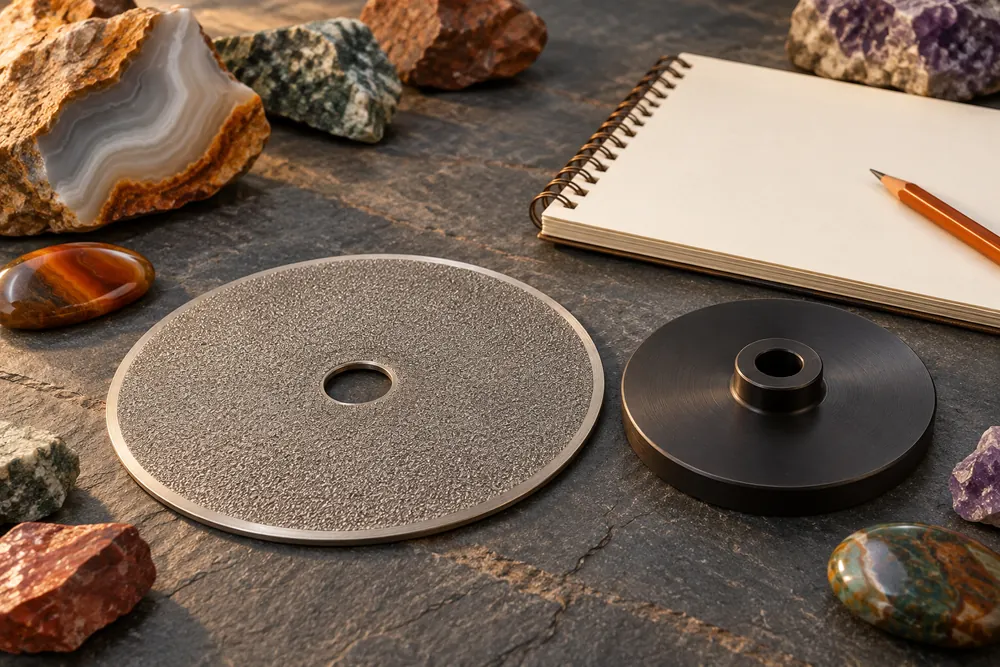
The All-U-Need manual directs the user to align the pre-punched disc hole with the backing plate’s arbor hole and provide even contact with a clean, smooth plate. It links improper centering to out-of-round rotation and vibration. That is the documented assembly check for this system, not a universal torque specification.
Some discs may be slightly smaller than their supporting plates. Do not assume the outside edges alone establish centering. Follow the current instructions for the hole and mount. Ask the maker if the disc is the wrong size or the packaging does not identify the intended assembly.
The shipping alignment insert has a specific role
Hi-Tech’s current FAQ describes an HTD-PLUG inserted into assembled laps during packaging. It explains that warmth in transit can soften adhesive and allow a disc to shift. The insert helps maintain alignment during shipping and can assist with storage and fitting new adhesive-backed discs.
That explanation does not diagnose every slipping complaint as heat damage. It also does not make the packaging insert a substitute for the machine’s prescribed operating hardware. Confirm the correct use with the current instructions and ask support about an assembly that arrived visibly displaced before trying it.
Separate adhesive failure from mount security
If the working layer has moved on its backing, note whether it is the manufacturer’s original adhesive or an unknown remount. If the whole plate seems loose, identify the machine’s knob, washer and plate interface. Changing adhesive cannot resolve every mount problem, and tightening the mount cannot restore a failed bond.
Avoid general-purpose glue, additional hardware or repeated over-tightening as trial repairs. Chemical compatibility and the approved stack are product-specific. The plate and pad guide distinguishes the components so a support request names the actual part involved.
Check recent changes in the setup
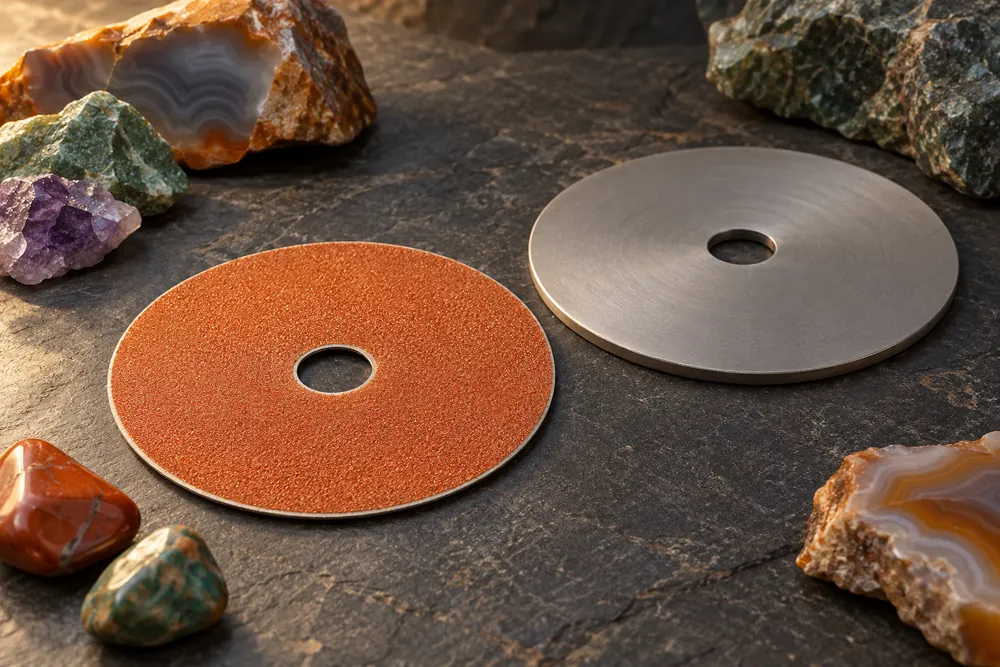
Was a new pad installed? Was the arbor removed for cleaning? Was a plate reused, or a cushion added? Did the symptom start immediately after delivery? Those details help narrow the next manufacturer-directed check without running an experiment on a faulty assembly.
The All-U-Need manual also identifies a raised or tilted catch tray as a possible source of rubbing. A noise near the disc is therefore not proof that the abrasive layer itself is slipping. Do not open a motor housing or attempt electrical repairs to investigate an uncertain sound.
Keep pressure, water and maintenance within the instructions
Follow the working-pressure and water guidance for the particular disc. Extra force can make an existing problem harder to assess and is not a substitute for a secure, correctly centered assembly. Keep polishing media separate so a mounting investigation does not introduce grit contamination to later stages.
For removal, cleaning and remounting, use the manufacturer’s procedure for the actual adhesive and plate. This article does not prescribe solvent exposure, heat-gun settings or a curing interval. A distorted plate, deteriorated adhesive or unknown previous repair is a reason to ask whether replacement is appropriate.
What to send before buying a replacement
Photograph the machine label, the stopped assembly, the center-hole alignment and any lifted edge. Include the disc, plate and pad product names, the purchase date, storage conditions and recent changes. Ask which part is approved for the machine and whether it should arrive mounted.
Order a confirmed component rather than a generic “flat lap disc.” Our disc comparison separates different constructions and mounting needs. Save the final part number and assembly guidance so the next replacement begins from a known configuration.
Sources and verification
Sources checked October 22, 2026. Manufacturer specifications and manuals describe the equipment; our selection and planning advice is editorial analysis. We have not physically tested these products. Confirm the exact revision and current instructions before ordering or operating.
A DETAIL CHANGED?
Help keep this guide accurate.
Send the model number and a link to the current specification.